If you were invited
Updated: 2026/04/22
Open the invitation URL in the invitation message, or scan the invitation QR code, to proceed to the email verification screen.
The email verification steps are the same as in Create an account.
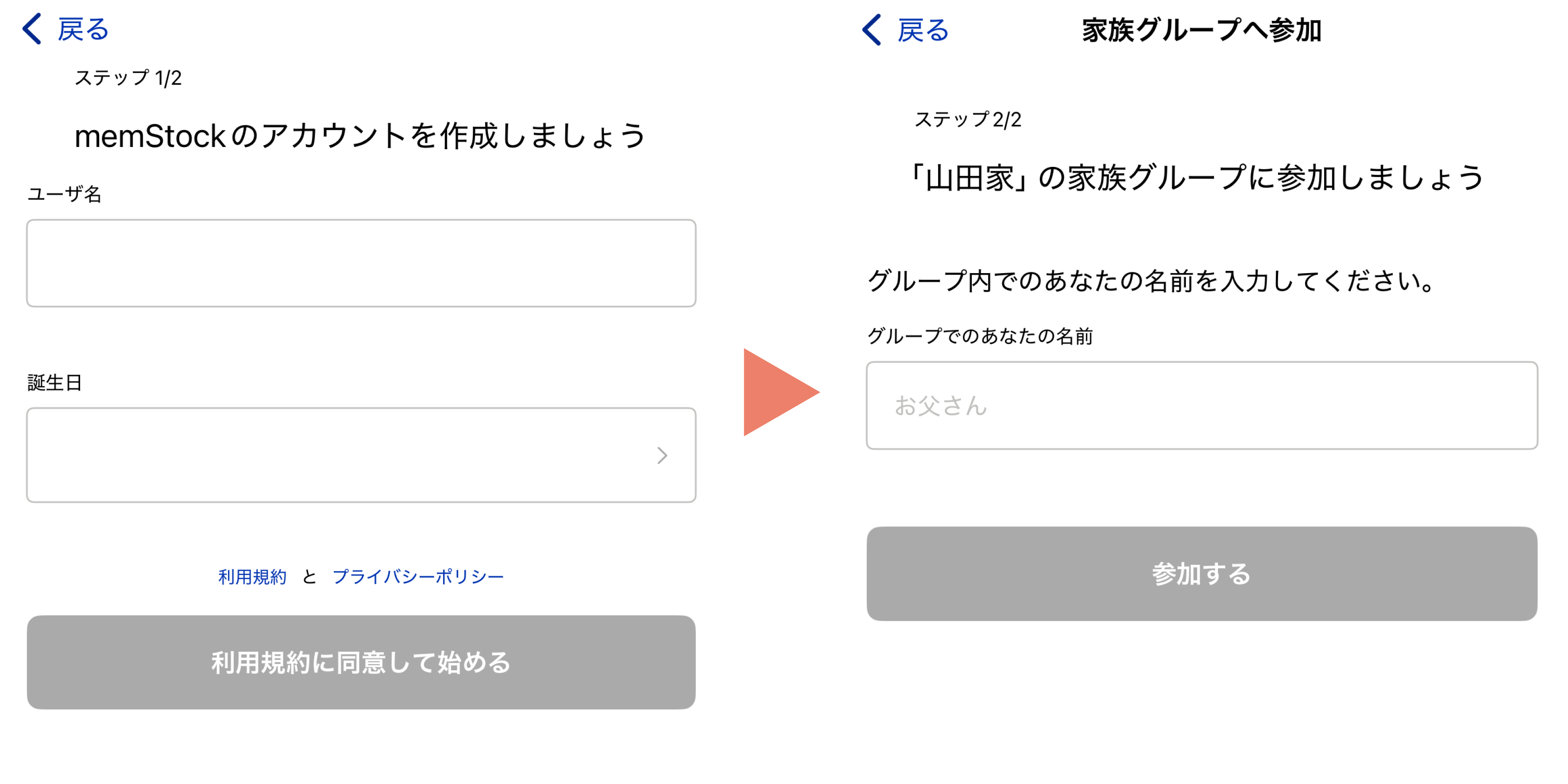
After email verification, you create an account in Step 1 and join the family group in Step 2.
*If you've already created an account, only Step 2 is needed.